Make AI finally buildwhat you need.
VoiceCoder turns your voice into context-aware prompts that work the first time. Fewer tokens. Less frustration. More shipped.
Free forever • macOS & Windows




You know what you want. AI doesn't get it.
You have the complete vision in your head. But explaining it to AI feels like a game of telephone.
You ask for a beautiful, modern site. AI delivers something that looks like 2005.
You ask to fix one thing. AI breaks three others.
Result: You spend more time explaining than building.
The Reality:
You speak human.
AI needs technical language.
VoiceCoder is your translator.
How VoiceCoder works
Native
Hit a shortcut. Speak. Done.
Runs directly on your Mac or Windows. No browser needed. Cmd+Shift+; and speak from anywhere.
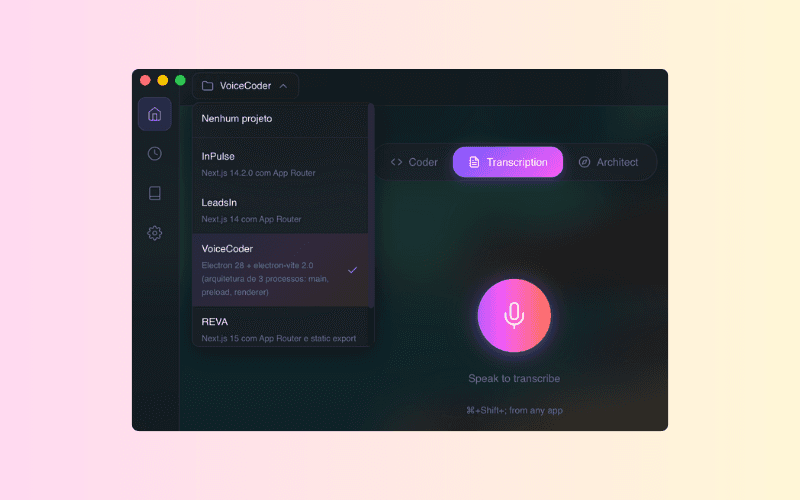
Project context
Prompts that know your project.
VoiceCoder understands what you're building. No more repeating context every time.
Speed
3x faster than typing.
Speaking is faster than writing. Less time prompting, more time building.
Speak any language, prompt in English
You speak your language. Output comes in English.
English prompts generate better AI results. You don't need to know English for that.
3 modes for every moment
Transcription
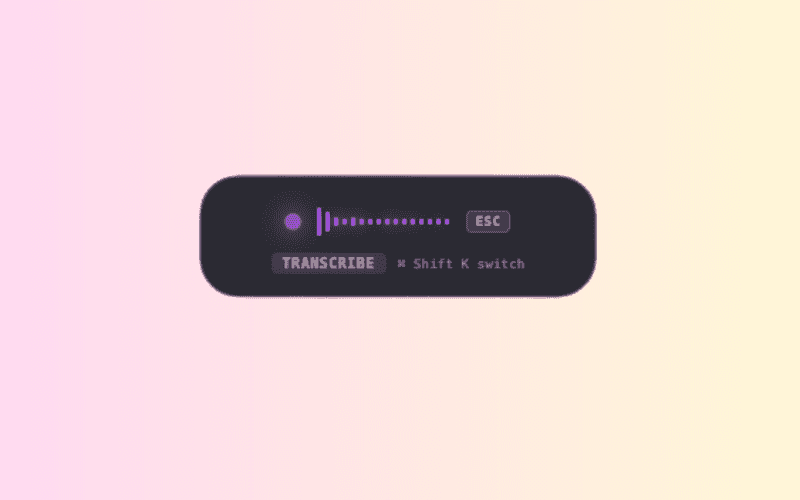
Just want to dictate text? Use it as simple dictation. No prompt, just transcription.
Coder
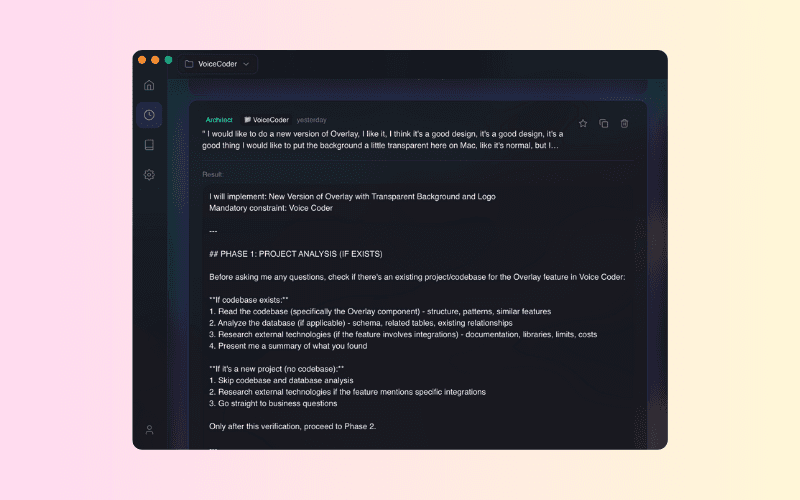
Say what you want to build. Get the technical prompt ready to paste in Cursor, Lovable, or Bolt.
Architect
Want to plan before building? This mode makes the AI ask you the right questions before executing.
Frequently Asked Questions
Make peace with AI.
Join the list and be one of the first to build with VoiceCoder.
We'll notify you when your beta access is ready.
🔒 No credit card. No spam.